
Free Printable Daily Planner
Design a daily planner page that fits the way your day actually runs. Choose your start and end times and the slot length, pick the sections you want — priorities, to-dos, notes, meals, water, habits, gratitude — add the date and a focus for the day, and print a clean page or save it as a PDF.
- Free to use
- No sign-up
- Runs in your browser
Daily planner builder
Printable Daily Planner Collection
Undated daily planner pages in five layouts (hourly, 30-minute, minimalist, wellness and student), a 90-day habit tracker and an editable Word daily page.
- Hourly daily planner (PDF, DOCX)
- 30-minute time-block planner (PDF, DOCX)
- Minimalist daily page (PDF, DOCX)
- Wellness daily page (PDF, DOCX)
- Student daily page (PDF, DOCX, XLSX)
- 90-day habit tracker (PDF, XLSX)
Formats: PDF, DOCX, XLSX. Instant download after payment (link valid 72 hours, up to 5 downloads). AI-assisted: the templates were drafted with AI help and reviewed and laid out before publishing.
$3.00 USD, one-time 6 files · about $0.50 each
- Instant download
- 7-day refund
- Secure checkout by Stripe
7-day money-back guarantee. Full refund within 7 days of purchase, even after you download.
Free sample: 90 Day Habit Tracker (PDF, 96 KB)
Full refund within 7 days — see the refund policy and license.
New · 5 files · PDF
Illustrated 2027 Wall Calendar
Two illustrated 2027 wall calendars to print at home: Seasons (a painted landscape for every month) and Birth Flowers (a watercolor of each month's flower).
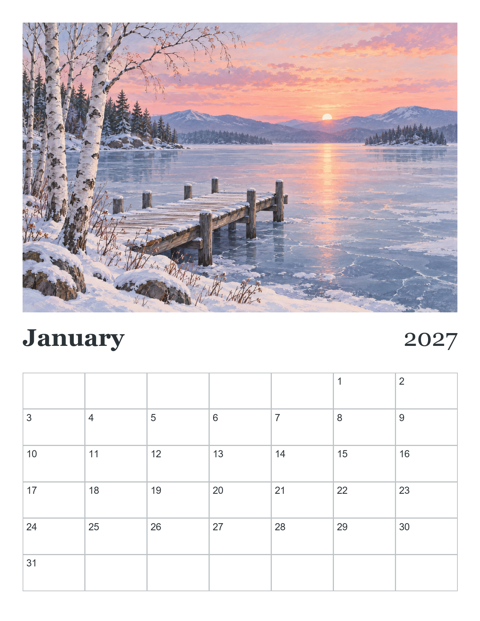
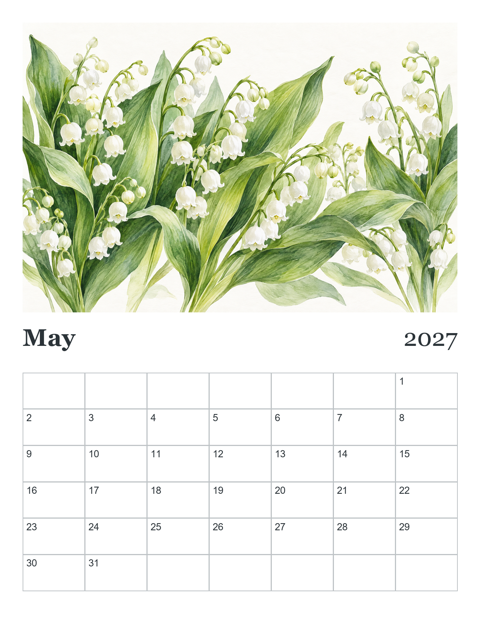
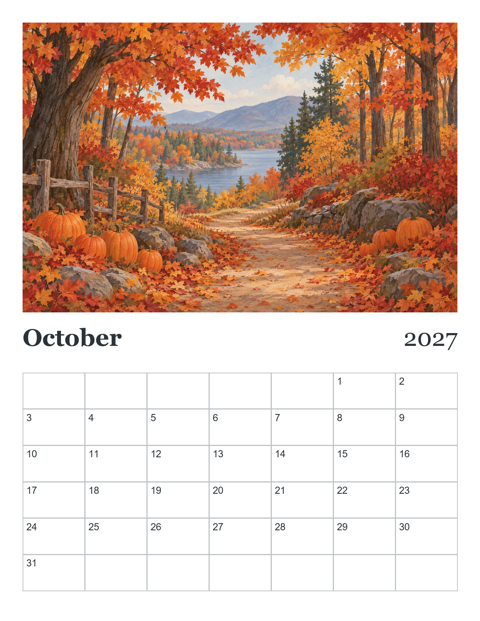
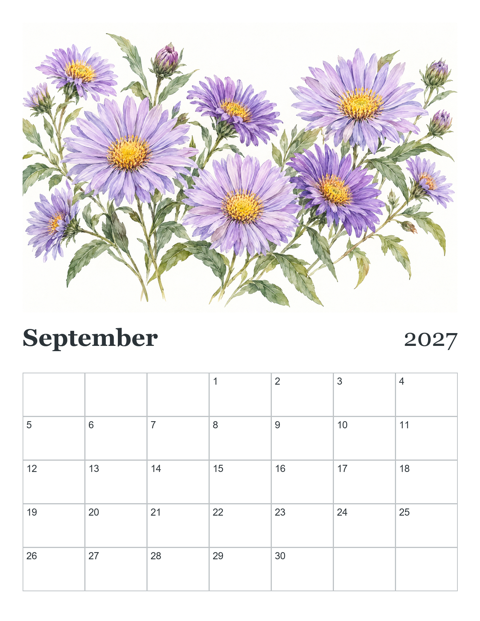
- Seasons calendar, Letter, Sunday start (PDF, 13 pages)
- Seasons calendar, A4, Monday start (PDF, 13 pages)
- Birth Flowers calendar, Letter, Sunday start (PDF, 13 pages)
- + 2 more
$9.00 USD, one-time 5 files · about $1.80 each
- Instant download
- 7-day refund
- Secure checkout by Stripe
7-day money-back guarantee. Full refund within 7 days of purchase, even after you download.
Artwork created with AI image tools, then selected and laid out for print.
Free printables
Single sheets you can print right now, no sign-up. The full pack adds every sheet in one download plus the editable files.
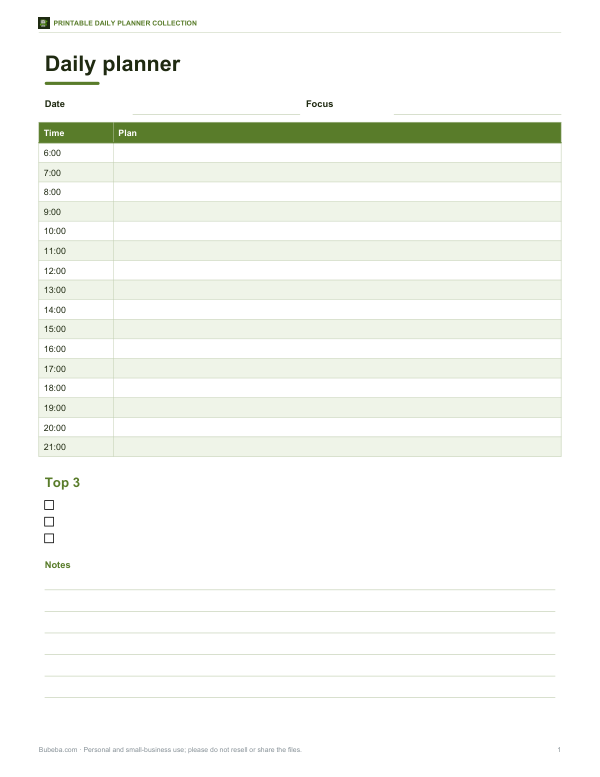 Printable Hourly Daily Planner1 page · free PDF
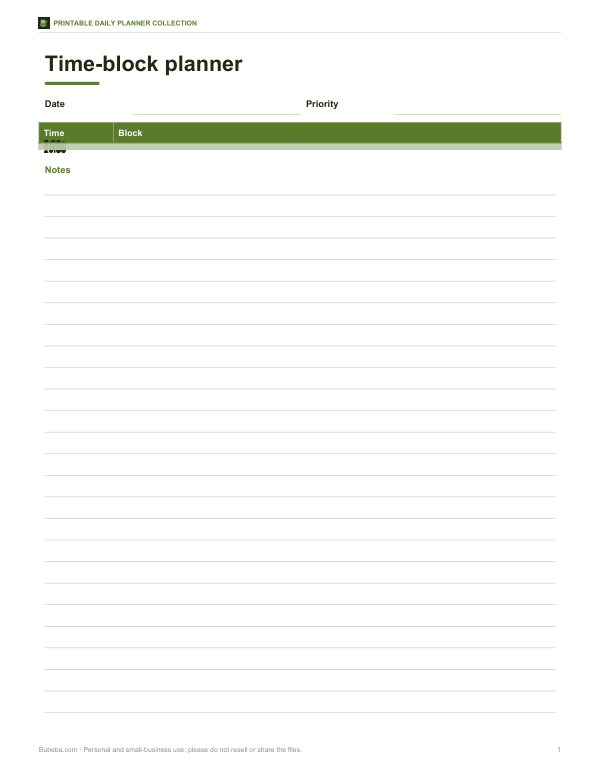 Printable 30-Minute Time-Block Planner1 page · free PDF
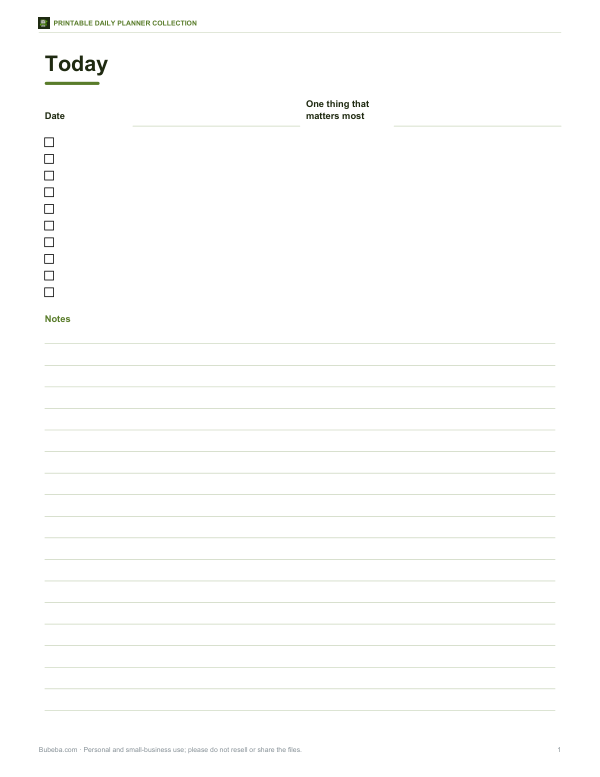 Printable Minimalist Daily Planner Page1 page · free PDF
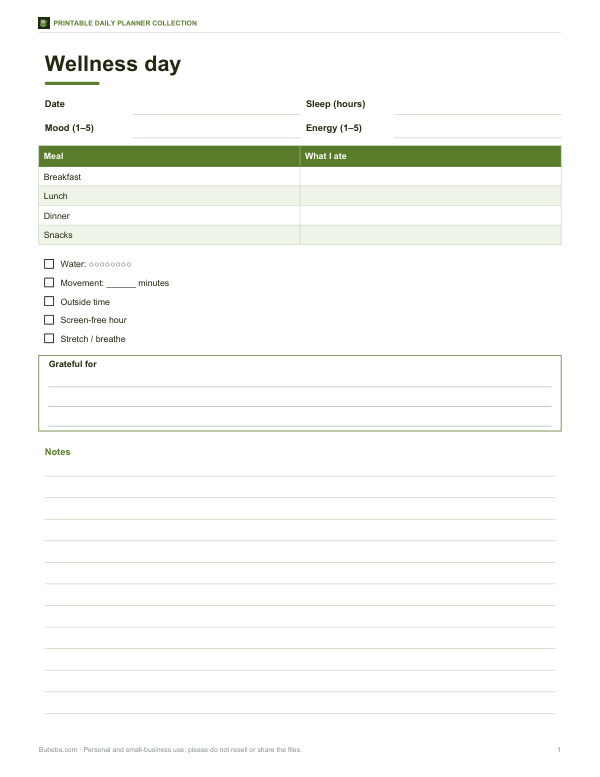 Printable Wellness Daily Planner Page1 page · free PDF
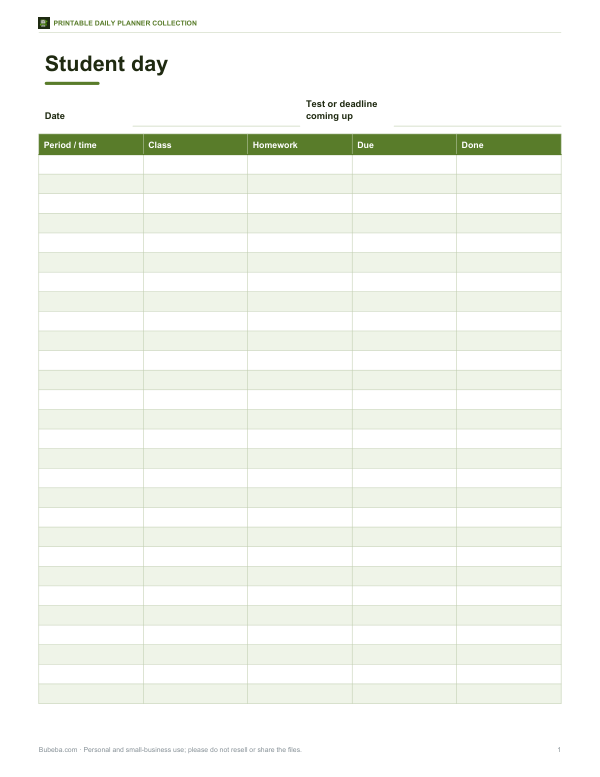 Printable Student Daily Planner Page1 page · free PDF
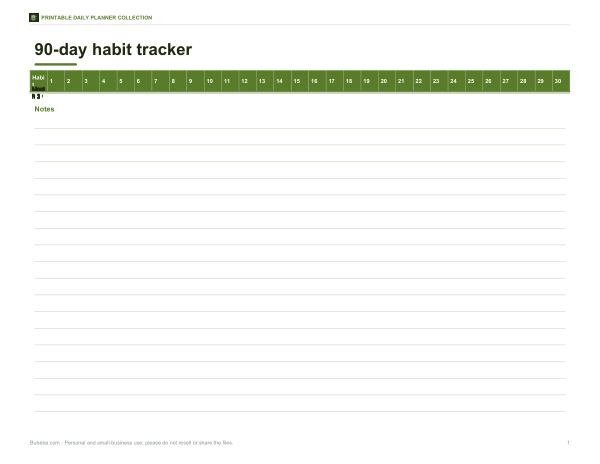 Printable 90-Day Habit Tracker1 page · free PDF
How to use the daily planner builder
- Pick the date, or tick “Leave date blank” to print a stack of undated pages.
- Set the schedule to cover your waking or working hours, in 30-minute or one-hour slots.
- Choose 12- or 24-hour times.
- Tick the sections you want: priorities, to-dos, notes, meals, water, habits, gratitude and mood.
- Add a focus for the day if you like — one word or phrase to steer decisions.
- Print on Letter or A4, or choose “Save as PDF” in the print dialog to use the page in a tablet note app.
The layout adjusts to your choices: an hourly schedule on the left, and your selected sections on the right.
A simple daily planning routine
- Evening before or first thing — look at your calendar and write fixed appointments into the schedule.
- Choose three priorities — the tasks that would make the day a success if nothing else got done.
- Block time for each priority in the schedule, ideally when your energy is highest.
- List small tasks in the to-do list and batch them into one or two slots.
- Leave buffer — unplanned requests will arrive.
- End of day — tick what is done, move what is not, and note anything to remember.
Ten minutes of planning often saves an hour of drifting between tasks.
Time blocking vs to-do lists
A to-do list tells you what to do; a schedule tells you when. Time blocking — assigning tasks to specific slots — makes you face how much time you really have, which stops the common problem of a 20-item list for a day with three free hours. Many people combine both: a short list of priorities scheduled into blocks, and a separate list of small tasks done in gaps. The 30-minute slot option suits detailed blocking; hourly slots suit days with fewer, longer commitments.
Choosing sections that help you
| Section | Helps with |
|---|---|
| Top 3 priorities | Focus and saying no to less important work |
| To-do list | Capturing small tasks so they do not clutter your head |
| Meals | Meal planning and noticing skipped meals |
| Water tracker | Drinking regularly; each circle is one glass |
| Habit tracker | Daily habits such as a walk, reading or stretching |
| Mood & energy | Noticing patterns between sleep, food, activity and how you feel |
| Gratitude | Ending the day on a positive note |
| Notes | Calls, ideas and things to follow up |
Worked example
A remote worker sets the schedule from 7:00 to 21:00 in 30-minute slots and selects priorities, to-dos, water and notes. Before starting, they write the 10:00 team call and the 15:30 dentist appointment into the schedule, pick three priorities — finish the quarterly report, reply to the supplier, book train tickets — and block 8:30–10:00 and 13:00–14:30 for the report. Small tasks go in the to-do list for the 11:30 slot. At 18:00 they tick off the day and move the tickets to tomorrow’s priorities.
Paper or digital?
Paper planners have advantages: writing by hand helps many people remember, a page on the desk stays visible without opening an app, and there are no notifications pulling attention away. Digital calendars are better for shared meetings and reminders. A popular approach is to keep appointments in a digital calendar and copy the day onto a printed page each morning, where you plan the rest of your time.
Printing tips
- Print on 90–120 gsm (24–32 lb) paper for a nicer writing feel; standard paper works fine.
- Use “Fit to page” if your printer trims the edges.
- Print undated pages in batches for the week and punch them for a ring binder.
- Save as PDF to write on with a stylus in tablet note-taking apps.
- Keep yesterday’s page for reference until today’s is done.
For students, parents and shift workers
Students can set the schedule to school hours and use the to-do list for homework. Parents might track school runs, activities and meals. Shift workers can start the schedule at any hour between 4:00 and 15:00 and end as late as midnight to match their shift. Because you choose the sections, the same builder can produce a lean work planner and a family-day planner.
Planning around your energy
Most people have predictable peaks and dips in energy through the day. Many are sharpest in the morning, flag after lunch and pick up again later, while others work best in the evening. Use a few days of the mood and energy section to notice your pattern, then schedule demanding work — writing, analysis, study — in your best hours and routine tasks such as email and errands in the low ones. Matching tasks to energy often gets more done than simply adding more tasks.
Privacy
Everything is built in your browser. Nothing you type is uploaded or saved; print the page or save it as PDF to keep it.
Frequently asked questions
Is the daily planner free to print?
Yes. Build and print as many pages as you like.
Can I print undated pages?
Yes, tick “Leave date blank”.
Can I use it on a tablet?
Save as PDF from the print dialog and open it in a note-taking app.
What paper size is it?
US Letter; it also prints on A4.
Can I change the hours?
Yes, choose the start and end times and 30- or 60-minute slots.
Is my plan saved?
No. Print it or save as PDF to keep it.
How many priorities should I set?
Three is a good limit: enough to make progress, few enough to finish.